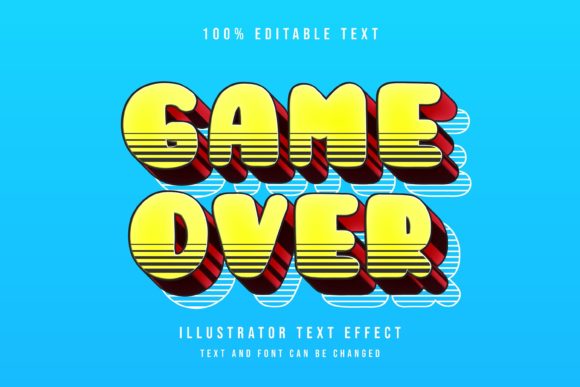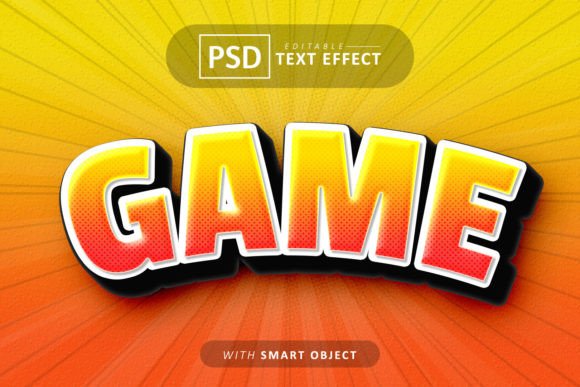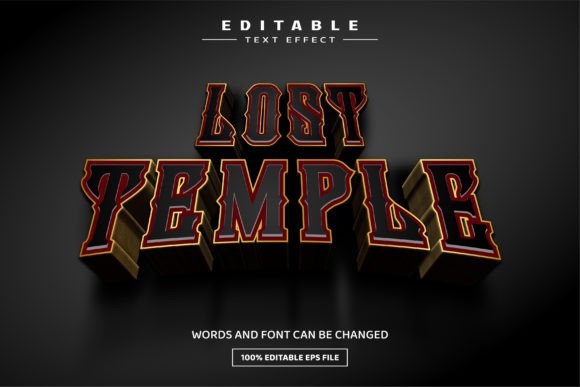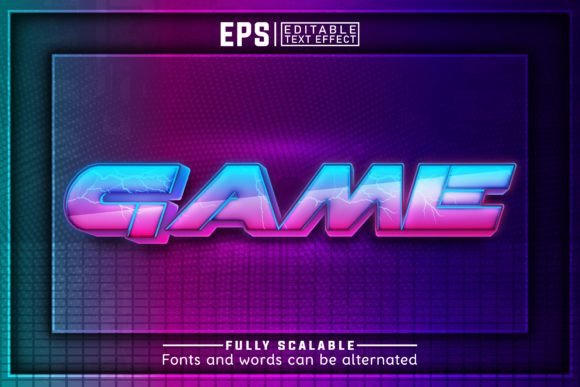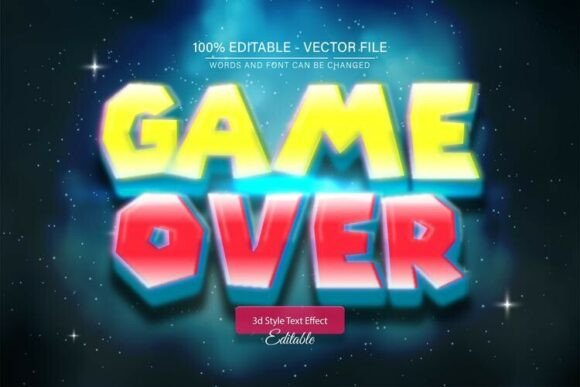
Game Over Neon Glow 3D Text Effect
Imagine your text bursting off the screen with a vibrant, electric energy. The Game over Neon Glow 3D Text Effect is a dynamic vector design asset that brings that electrifying vision to life. It’s a fully editable vector template, meaning you can scale it to any size—from a tiny social media icon to a massive billboard—without ever losing a pixel of quality. This isn't just a static image; it's a flexible tool for creating striking, modern typography.
Designed for Adobe Illustrator, this asset gives you complete control. The core feature is its 100% editable text. You can type your own words, slogans, or headlines directly into the design. The neon glow and 3D depth effects are applied automatically, transforming your message into a captivating visual statement. With unlimited color variations, you can easily match the effect to your brand's palette or project's mood, making it a versatile addition to any designer's toolkit.
Where This Text Effect Shines
The bold, retro-futuristic vibe of a neon glow effect makes it ideal for a variety of creative projects. Consider using it to instantly grab attention in these scenarios:
- Logo & Brand Identity: Create a memorable wordmark for gaming channels, tech startups, music artists, or nightlife brands that want a bold, youthful edge.
- Poster & Event Design: Design eye-catching posters for concerts, festivals, gaming tournaments, or themed parties where energy and excitement are key.
- Social Media & Web Graphics: Craft scroll-stopping headers, banners, and promotional graphics for platforms like Instagram, Twitch, or YouTube that demand high visual impact.
- Packaging & Merchandise: Apply the effect to product packaging, apparel mockups, or merchandise for brands that want to stand out on the shelf or in a crowd.
- Editorial & Digital Products: Use it as a powerful headline treatment in magazines, digital reports, or e-book covers to set a specific, energetic tone.
Tips for Choosing and Using Display Fonts
While this effect is incredibly versatile, keeping a few design principles in mind will help you get the most out of it. First, always check readability. A highly stylized display font like this is perfect for headlines and short bursts of text, but it’s not suited for long paragraphs. Pair it with a clean sans-serif or serif font for body copy to maintain balance and clarity.
Second, ensure the mood aligns with your project. The neon 3D aesthetic is modern, energetic, and slightly nostalgic. It works beautifully for projects related to gaming, entertainment, technology, and youth culture. For more formal or traditional contexts, it might feel out of place. Testing different color variations can also help temper or amplify its intensity to better fit the overall design.
Finally, always review the license and download contents. This asset includes both EPS and JPG files, giving you flexibility in how you use it. The EPS file is your key to full editability in Illustrator, while the JPG is great for quick mockups or previews. Knowing you have a premium font asset that requires no advanced skills to edit allows you to focus on creativity rather than technical hurdles.
Choosing the right typeface is fundamental to effective design. A well-crafted text effect like this does more than display words; it conveys emotion, establishes tone, and enhances brand recognition. It provides a polished, professional look that can elevate a project from good to unforgettable, helping your work communicate with greater visual confidence and impact.